If, for whatever reason, a guest is stuck in your meeting room, you can easily remove him/her.
Remove one guest
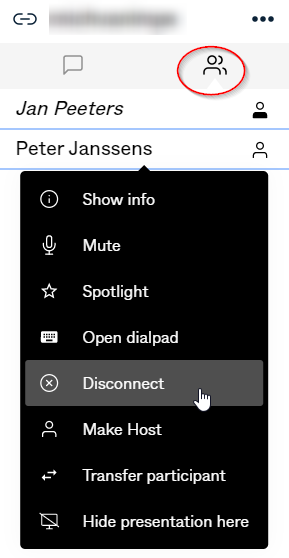
Make sure the participant list is selected 
Click the participant you wish to disconnect, in the menu, select "disconnect"
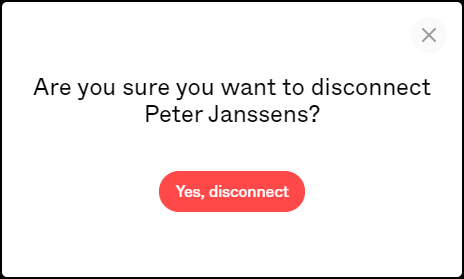
You will be prompted to confirm
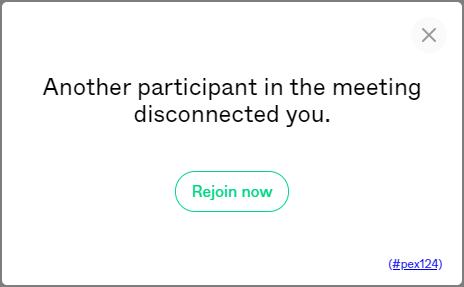
The guest will disconnected and will get a message that he/she was disconnected by another participant.
Remove all guests
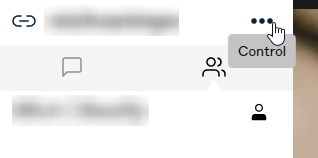
As host, click on the three dots top left to open the control menu
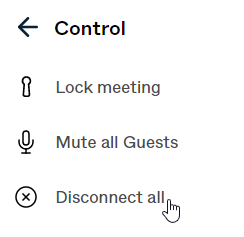
In the control menu, select Disconnect now
You will be prompted to confirm
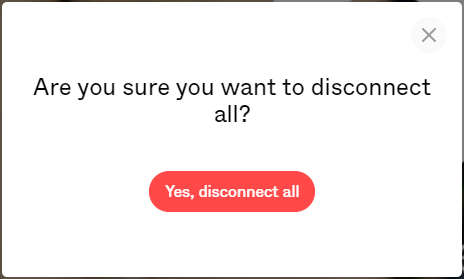
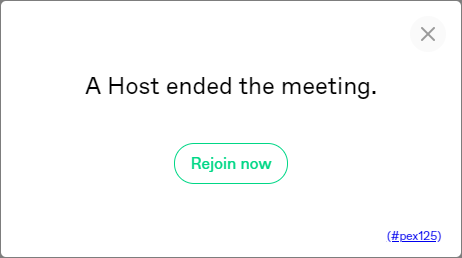
This will disconnect all participants and end the meeting. All participant will get following message.