While most of the settings are pushed by the central configuration of skedify.video, you can choose to overwrite some of these settings and configure your own defaults via https://meet.skedify.video/. These settings will be stored in your internet browser. When accessing skedify.video, your settings will default to these setting.
You can reset these settings in one go.
| Go to https://meet.skedify.video/ | |
| Click the three dots, right-hand side under the video preview to open the Settings Menu | 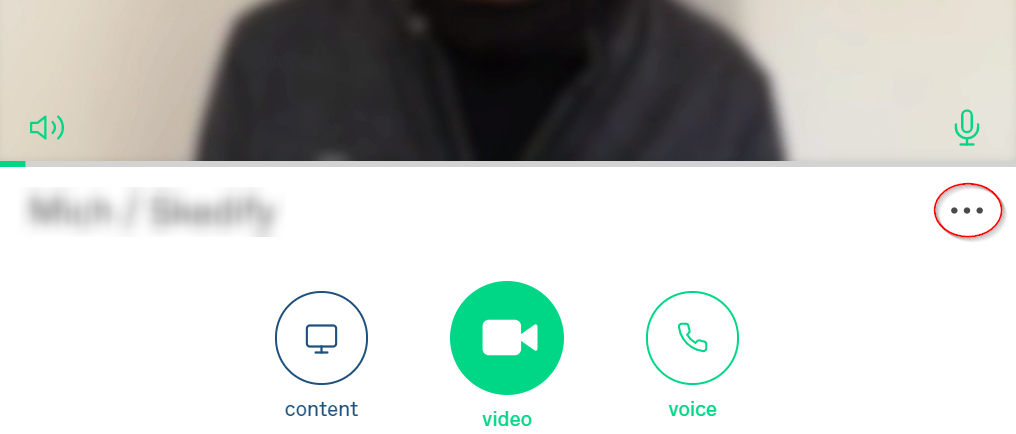 |
| In the settings menu, select "About this app" | 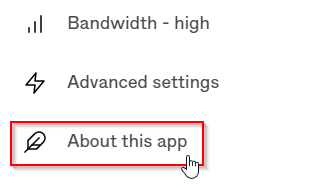 |
| In the Reset ap section, click the Reset button | 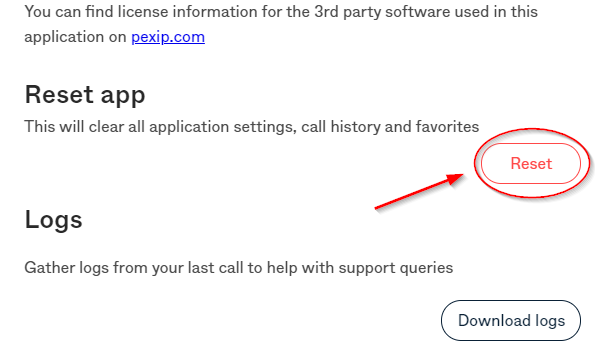 |
|
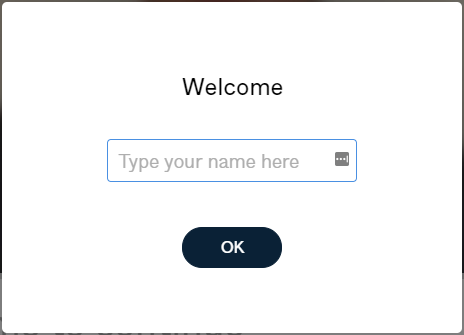
After clicking reset, all your setting will default back to what is pushed by the central configuration. Start by re-configuring (if needed) by entering your display name. Other settings can be customized as mentioned here. |
 |